
Google Business Profile Optimization Checklist for Local Businesses
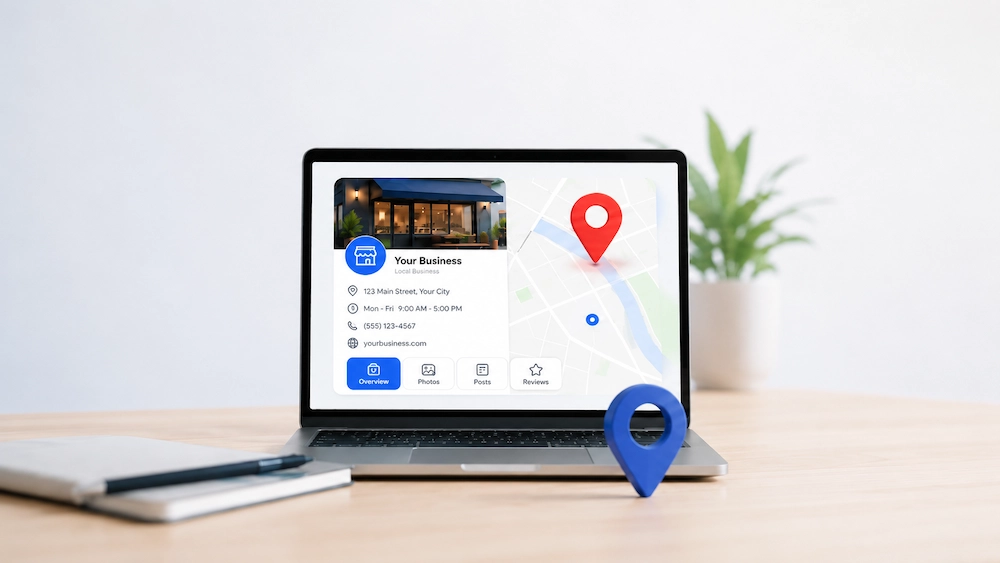
TL;DR: A well-optimized Google Business Profile helps local businesses improve visibility on Google Maps and local search while making it easier for customers to contact and trust them. Keeping your profile accurate, active, and aligned with your website can support more enquiries, calls, and customer actions.
Key Takeaways
- Verify ownership and limit profile access to trusted team members.
- Use accurate categories, services, and business details to help Google understand your business.
- Maintain a consistent review and posting routine to keep your profile active.
- Track calls, clicks, and customer actions to measure performance.
When people search for a local business, they are often ready to take action. They may want to call, book an appointment, visit a store, request a quote, or compare nearby options, making your Google Business Profile an important first impression.
A complete and active profile can help improve your visibility in Google Maps and local search results while making it easier for customers to trust and contact you. This checklist covers the key steps to strengthen your profile and local presence.
Why Your Profile Matters
Your Google Business Profile is often the first impression people get of your business on Google. It displays key details such as your services, address, phone number, website, photos, reviews, and business hours, helping customers decide whether to contact you.
If your profile is incomplete or outdated, potential customers may question whether your business is active or trustworthy. Keeping it accurate and updated helps build confidence while giving Google a clearer understanding of your business and its relevance to local searches.
Claim Your Profile
Before improving anything, make sure you own or manage your Google Business Profile. Without proper access, you cannot update important details or respond quickly when information changes.
Check Ownership
Log in to Google Business Profile Manager and make sure your business is verified. If someone else controls the profile, request access through Google and use a business email so you do not lose access when staff changes happen.
Clean Up Access
Review who can manage the profile and remove former employees, old agencies, or anyone who no longer needs access. Since your profile contains important customer-facing information, only trusted people should have permission to make changes.
Use the Right Business Details
Your business information must be accurate and consistent. Small errors can create confusion for customers and weaken trust.
Business Name
Use your real business name and avoid adding extra keywords.
- Correct: “Dela Cruz Dental Clinic”
- Avoid: “Dela Cruz Dental Clinic Best Dentist Manila Affordable Braces”
Keyword-stuffed names can violate Google’s guidelines and make your business look less credible to potential customers.
Address and Service Area
If customers visit your location, make sure your address is accurate, and if you travel to customers instead, set your service area correctly rather than displaying a private address. Keep your address consistent across your website, social media profiles, and business directories so customers do not run into conflicting information.
Phone and Website
- Use a phone number customers can easily reach during business hours.
- Link your profile to the most relevant website page, such as a service page or local landing page when appropriate.
Pick the Best Categories
Your category tells Google what your business mainly does. This is one of the most important settings in your profile.
Primary Category
Choose the most accurate primary category available that closely matches your main service. Avoid broad categories when a more specific option exists, as this helps Google connect your business with relevant searches.
Secondary Categories
Add secondary categories only when they accurately reflect your services, since adding unrelated ones can confuse both Google and potential customers. It is also worth reviewing your categories from time to time because Google updates its options and a better fit may become available.
Write a Clear Description
Your business description should explain what you do, who you help, and where you operate. It should sound like a real business owner speaking to a customer, not like a keyword list.
What to Include
- Mention your main services.
- Include your location or service area.
- Explain what makes your business useful to customers.
Keep the description clear and easy to understand. For example: “We help homeowners and small businesses in Cebu with electrical repairs, lighting installation, panel upgrades, and emergency electrical work.”
What to Avoid
Avoid:
- Vague statements like “We provide quality solutions with excellent customer satisfaction.”
- Repeating keywords unnaturally throughout the description.
Customers value clear information, and Google can understand natural language without excessive keyword use.
Build Better Reviews
Reviews help customers decide if they can trust your business. They also help show Google that people are engaging with your profile.
Ask at the Right Time
Ask for reviews after a completed job, appointment, purchase, or positive customer interaction when the customer has recently experienced the value of your service. Send a direct review link to make the process easy, and avoid offering rewards or pressuring customers to leave only positive feedback.
Reply to Reviews
Respond to positive and negative reviews in a calm and professional way, as thoughtful replies show customers that your business pays attention. Thank customers for positive feedback and, when responding to negative reviews, acknowledge the concern, remain respectful, and invite them to continue the conversation privately.
Use Posts and Updates
Google Posts help you share fresh updates directly on your profile. They can promote offers, services, events, announcements, and useful reminders.
What to Post
Share updates about seasonal services, special offers, business changes, events, helpful tips, or featured services while keeping each post focused on a single message. For example, a roofing business could promote storm damage inspections before the rainy season, while a clinic could share appointment availability, new services, or holiday hours.
Posting Frequency
Post consistently, but focus on sharing useful updates rather than posting for the sake of activity. Make sure each post includes a clear next step, such as calling your business, booking online, visiting a page, or requesting a quote.
Keep Details Consistent
Your business name, address, and phone number should match across the web. This is often called NAP consistency.
Where to Check
Check your website, Google Business Profile, Facebook page, LinkedIn page, Bing Places, Apple Maps, local directories, and industry listings for old addresses, outdated phone numbers, and inconsistent business names. Keeping these details consistent helps build trust and prevents your business from appearing careless or inactive.
Duplicate Listings
Search for duplicate Google profiles and old directory listings, as they can split reviews, confuse customers, and hurt your local visibility. If you find any, report, merge, or remove them through Google’s process instead of leaving them unchecked.
Track Your Results
Optimization is not complete unless you track what changes. Otherwise, you are guessing.
What to Measure
Review calls, website clicks, direction requests, profile views, bookings, messages, customer actions, and local keyword rankings to understand how your profile is performing. These metrics matter most when they lead to real business outcomes such as enquiries, calls, and revenue.
Use Tracking Links
Add UTM tracking to your website link so you can track Google Business Profile traffic separately from other organic search visits in your analytics. Review performance monthly to see what is working and identify potential issues before they affect results.
Common Profile Mistakes
Many businesses lose local leads because they set up their profile once and forget about it. A neglected profile can quietly fall behind more active competitors.
Avoid these common mistakes:
- Using the wrong primary category
- Adding keywords to the business name
- Ignoring customer reviews
- Forgetting holiday hours
- Uploading poor-quality photos
- Leaving services incomplete
- Showing inconsistent contact details
- Creating duplicate profiles
- Linking to a weak website page
- Treating the profile as a one-time task
Google Business Profile optimization is not about shortcuts. It is about making your business easier to find, easier to trust, and easier to contact.
Why Choose Keyforge SEO
Keyforge SEO helps local businesses improve visibility on Google Search and Google Maps through practical SEO strategies tailored to their industry, location, and goals. Instead of using the same approach for every client, we assess local competition, customer search behaviour, and online presence to identify the best opportunities for growth.
Our focus goes beyond rankings and looks at how local search visibility supports real business growth through Google Business Profile optimization, stronger local SEO signals, citation consistency, and website improvements that help customers take action. Businesses looking for broader local search support can explore our affordable local SEO services in the Philippines to learn how we help companies improve their visibility in local search results.
Get More Local Customers
If your Google Business Profile is incomplete, outdated, or not generating enough enquiries, Keyforge SEO can help you fix the gaps. The team can review your profile, check your local visibility, compare your competitors, and build a practical plan to improve your presence on Google Maps and local search.